CWCShowcase
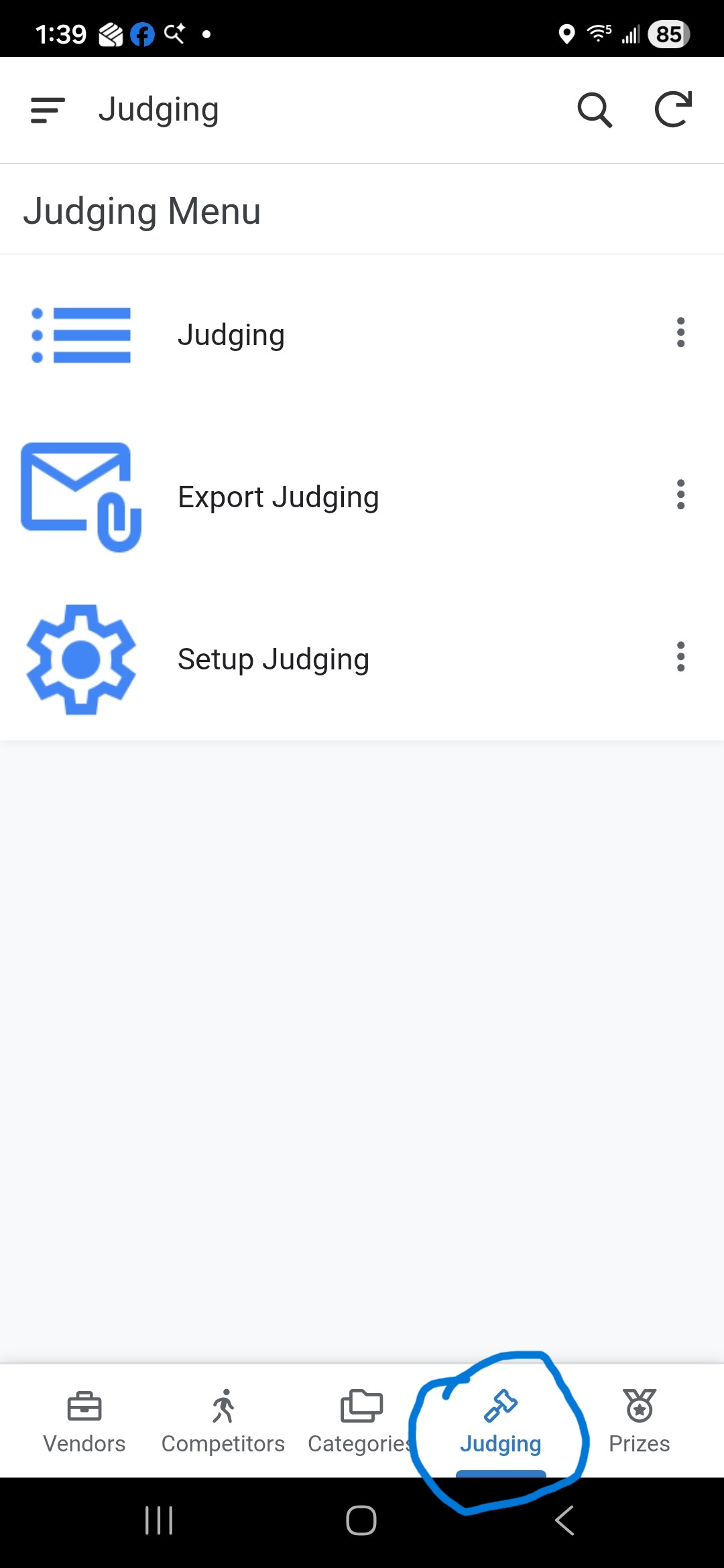
Setup Judging
This module is used to configure the judging assignments for the event. Access is restricted to users with the Admin or Judging Manager roles.
1. Accessing Setup Judging
- From the Main Menu, select the Judging module.
-
Select Setup Judging from the submenu.
2. Managing Judging Entries
This screen allows you to define which categories and styles are ready for judging and which teams are assigned to them.
Form Fields
The same fields are used whether you are Adding a new entry or Editing an existing one:
- Category: Select the category from the dropdown. You can search for a category or clear the current selection.
- Division: Select a level (Novice, Intermediate, or Open) using the radio buttons.
- Style: Select the style (N or P) using the radio buttons.
- Team: Select the judging team from the dropdown. You can search for a team or clear the selection as needed.
- 1st Place Prize: Select the prize from the dropdown. You can search or clear the selection.
- 2nd Place Prize: Select the prize from the dropdown. You can search or clear the selection.
- 3rd Place Prize: Select the prize from the dropdown. You can search or clear the selection.
Adding a New Entry
- Click the Add Icon (+).
- Complete the Form Fields as described above.
- Click the Save button to add the entry to the list.
Editing an Entry
- Locate the entry in the list.
- Click the Row to open the Detail View.
- Click the Pencil Icon to open the edit form.
- Update the Form Fields as needed.
- Click Save to commit changes.
Deleting an Entry
- Locate the entry you wish to remove.
- Click the Detail View (by clicking the row) and select Delete, or use the delete action if available on the list.
- Note: Deleting a setup entry will remove the associated judging record. Use with caution.
3. Common Operations
- Search: Use the search bar at the top to find specific categories or teams.
- Copy: Use the Copy Icon to quickly duplicate a setup entry for a different style or team.
- Cancel: Use the Cancel button to exit any form without saving changes. No confirmation prompt will be displayed.