CWCShowcase
Duplicate Registrations
This guide covers the workflow for handling when a carver registers more than once. This might happen for multiple reasons:
- The carver forgot they registered already
- The carver never received their registration packet in email
If any of the above happens and you end up with more than 1 registration for a given carver then you need to determine which registration should be used going forward. You might need to call the carver and ask them why they registered more than once and let them know which Carver ID we are going to move forward with so that they know which one to use.
The process here is to find the records that you are not going to use and set their Status to Duplicate.
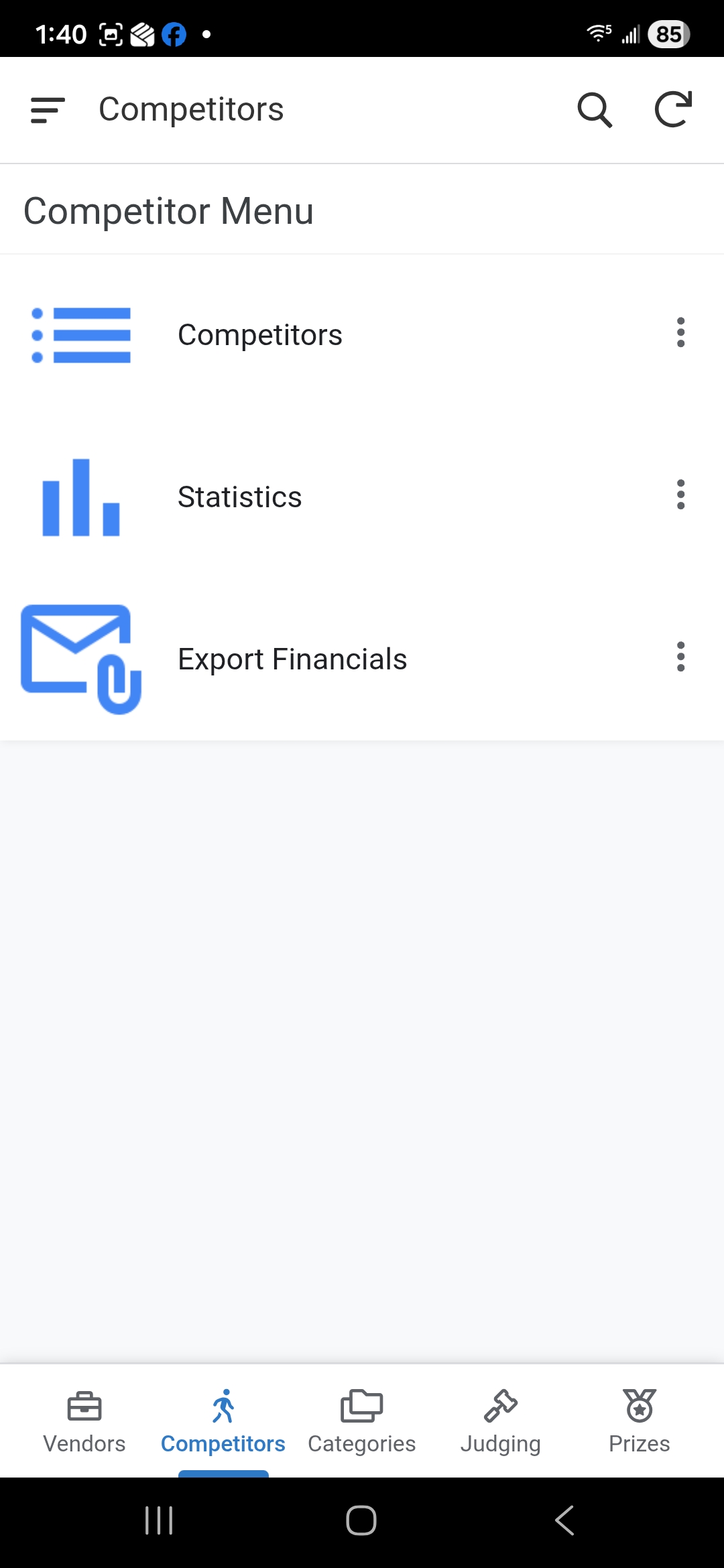
1. Accessing Competitors
- From the Main Menu, select the Competitors module.
-
Select Competitors from the submenu.
2. Finding a Competitor
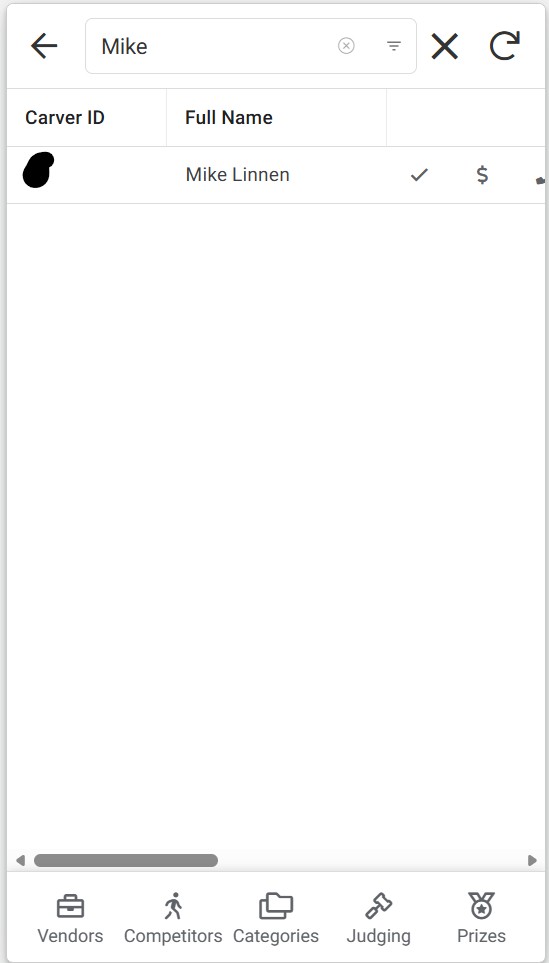
- A list of all registered competitors will be displayed.
-
Use the Search Bar to find the competitor by entering their Carver ID or Name.
3. Open the details form
- Once you locate the competitor, click on the row for the competitor you want to update the status fiel on. You will be taken to the detail form.
4. Click the Edit Icon
- You will be in edit mode for the competitor
- Find the Status drop down and set it to Duplicate
5. Finalizing
- Click the Save button to record the status change.